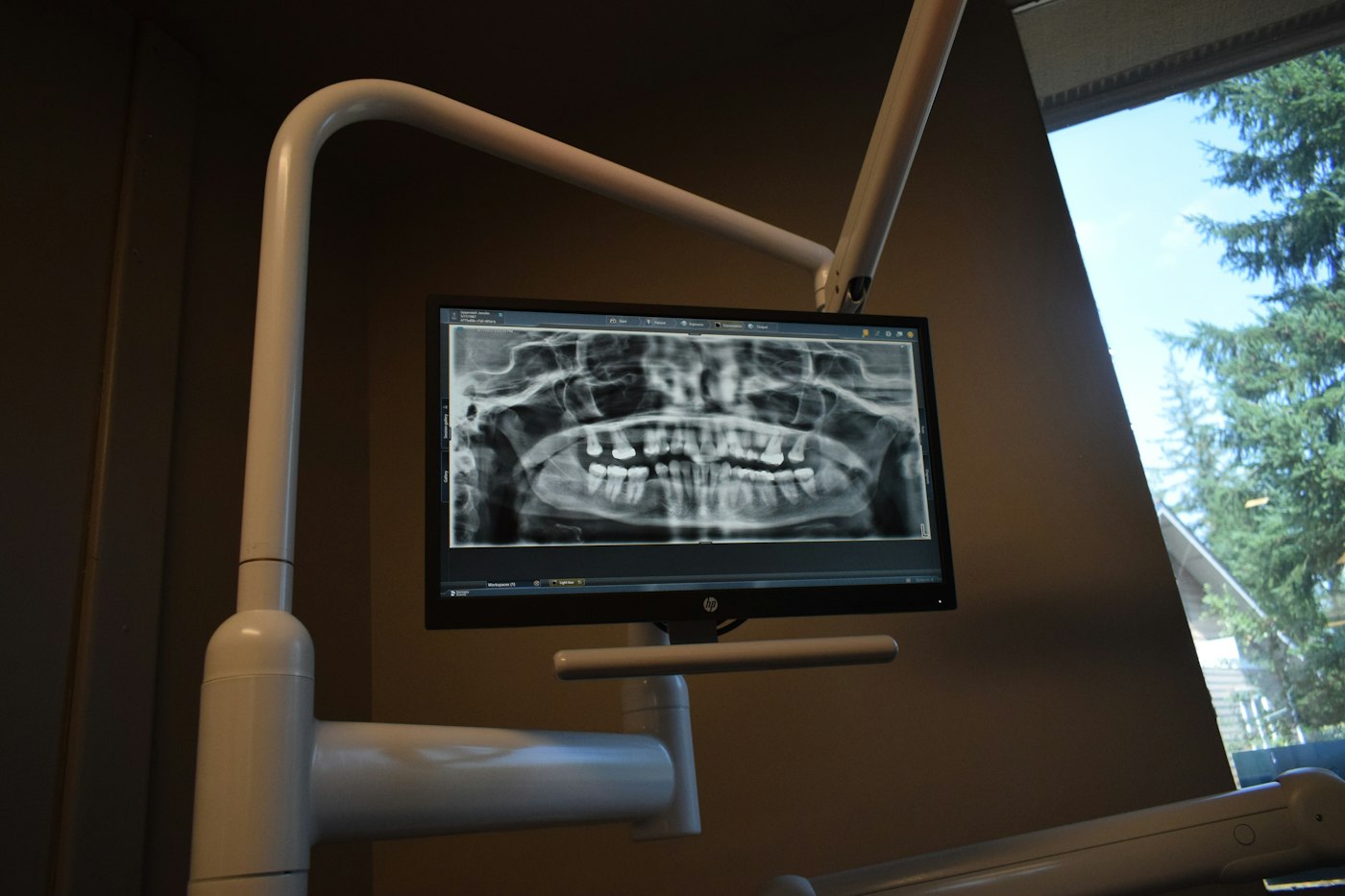
Discuss dental X-rays, 3D dental imaging and digital impressions with your dentist. Understand why an examination is recommended and where it will be arranged.
Dental imaging can help answer specific clinical questions. The choice depends on your examination, existing records and treatment needs; more imaging is not always necessary.
Ask Dr. Haritha Ghanta which examination is recommended, how it affects the plan and whether it is arranged here or through another provider.
Tap any treatment above to jump to it, or read on.
01
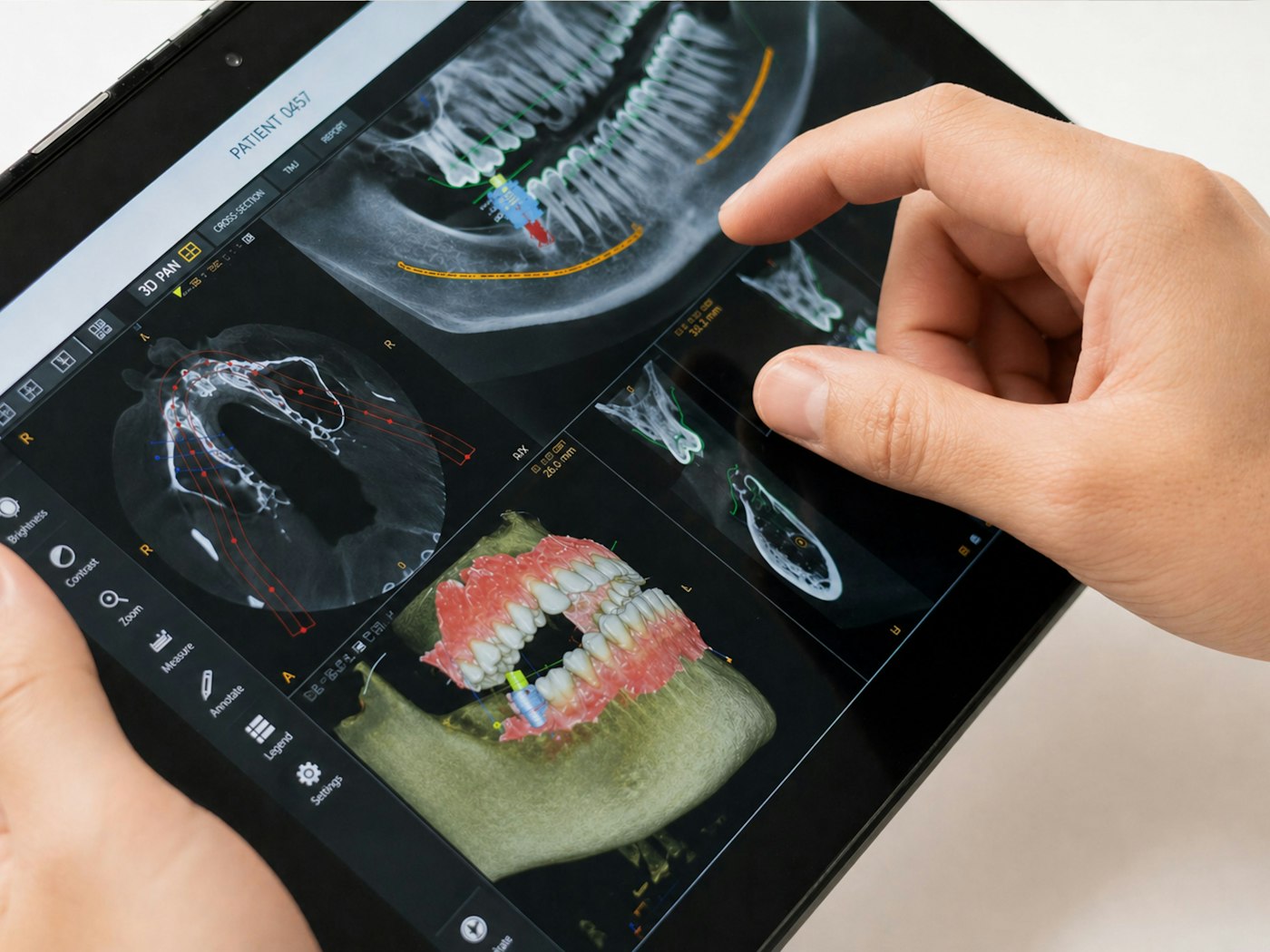
Dental CBCT and 3D imaging
Dental CBCT uses X-rays to create three-dimensional images. Ask what clinical question it would answer and whether another examination could provide the needed information with less radiation.
Three-dimensional imaging information
May support implant planning
Discuss benefits, risks and alternatives
02
Digital scanning and impressions
Digital scanners can create a model of tooth surfaces for some treatment plans. Ask which scanning method is available and whether a digital or conventional impression is appropriate.
Ask how impressions will be taken
Confirm the method for your plan
Discuss what a simulation can show
03
Intraoral camera
Intraoral cameras can capture close-up pictures inside the mouth. Ask whether photographs will help explain the findings from your examination.
Close-up views of each tooth
Supports discussion of findings
Ask to review relevant photographs
04
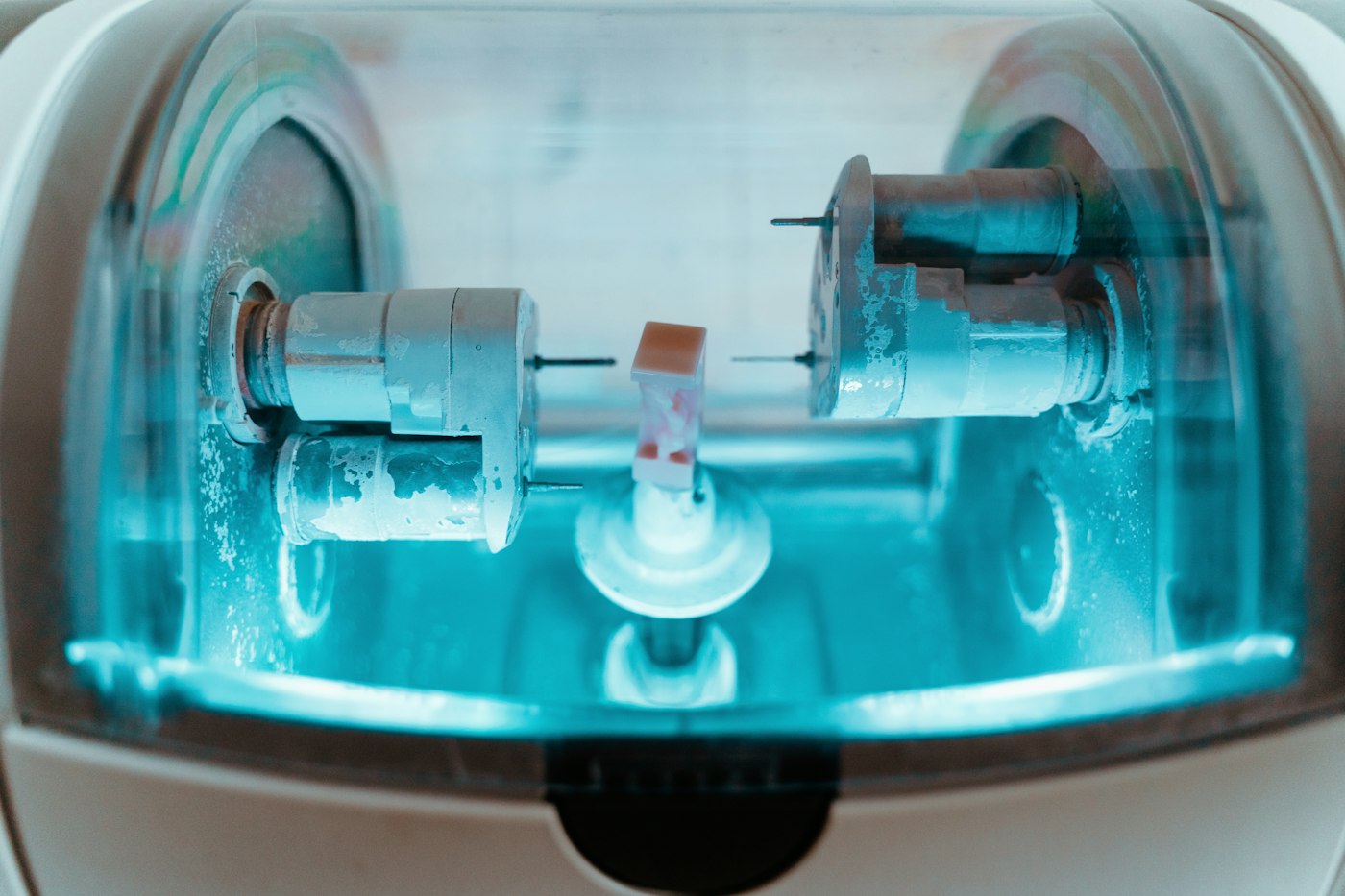
Dental laboratory work
Restorations may involve laboratory work. Ask where your proposed restoration will be made, how fit is checked and which appointments are needed.
Ask who makes the restoration
Confirm the expected timeframe
Careful attention to fit and detail
05
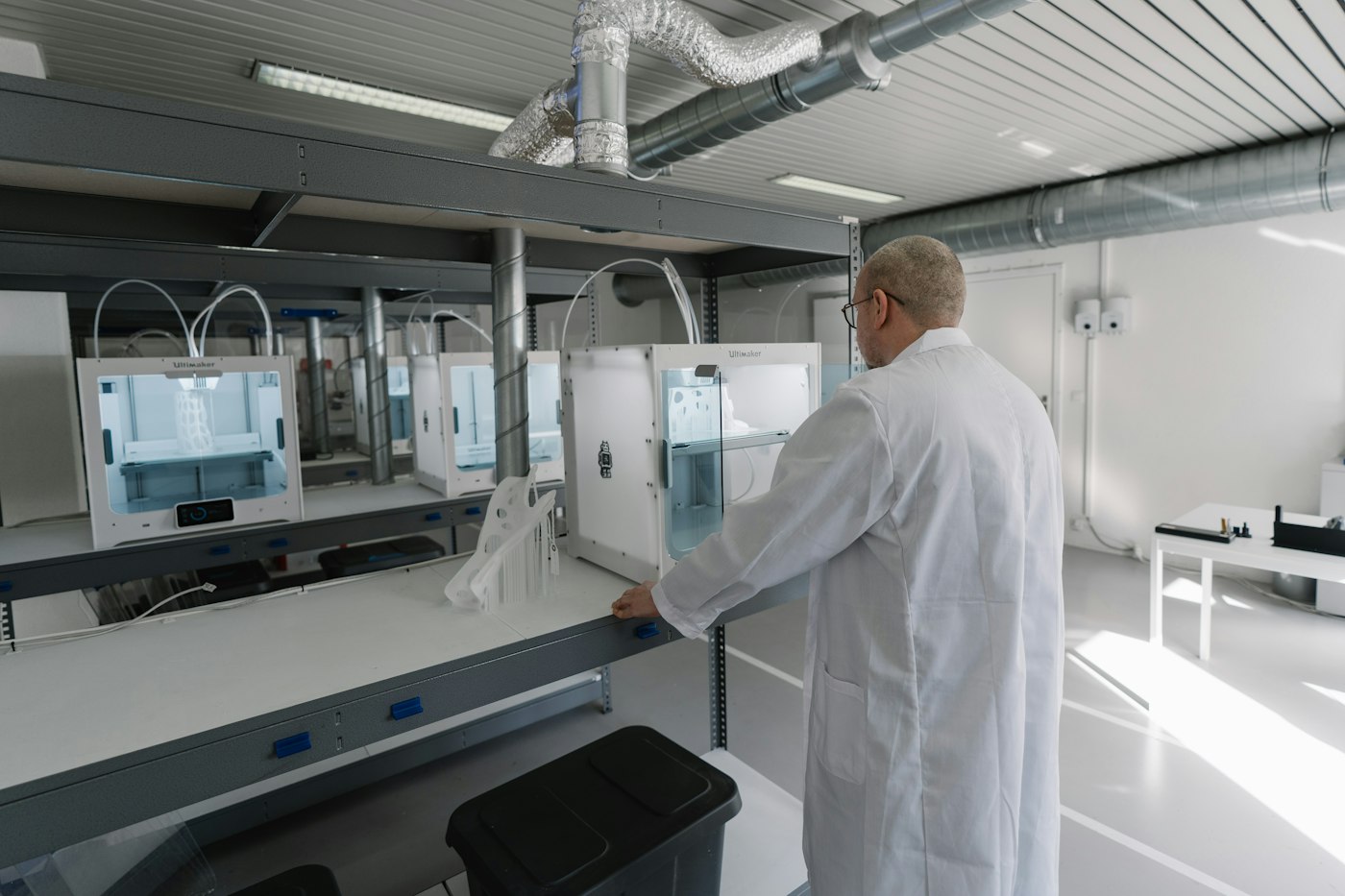
3D printing
3D printing is one method used in some dental workflows. Ask whether it has a role in your plan and which laboratory or provider would perform that work.
Discuss the planned workflow
Ask how fit will be assessed
Confirm visits and timing
06
Oral cancer screening
Ask what soft-tissue examination is included in your visit. Tell the dentist about a persistent sore, lump or other change so it can be assessed.
Discuss any mouth changes
Examine areas of concern
Confirm the scope of your visit
A look at dental care
Information to guide your care.
Ask how each examination contributes to your treatment plan.
Digital imagingClear images, explained to youRestorations made with careAttention to detailTreatment planningDiscuss the findings
Questions
Dental imaging and scanning questions.
Still wondering about something? Our team is happy to help.
CBCT uses X-rays and should be justified by a clinical need. Ask about the expected benefit, radiation exposure, alternatives and any previous images that may be useful.
Digital scans can replace conventional impressions in some cases. Ask which method fits your proposed restoration or appliance and where the scan will be arranged.
It involves examining the mouth for concerning changes. Ask what is included in your appointment and whether any finding needs further evaluation; screening is not a guarantee that every condition will be detected.
Alt+ALauncher hidden. Press Alt+A to bring it back.
Feasterville Dentistry
Accessibility
Alt+A
No optional preferences active
Text & comprehension
Readability
Size, spacing, and reading aids.
Page scaleEnlarge the whole page.P
Text sizeEnlarge text only.T
Line spacingOpen space between lines.L
Character spacingOpen space between letters.C
Word spacingOpen space between words.W
Paragraph spacingSeparate text blocks.S
Reading widthLimit long text lines to a more comfortable width.R
Text alignmentChoose a preferred alignment for reading content.A
Color & visibility
Appearance
Make colors clearer.
Color intensityReduce or strengthen page colors.S
Text colorChoose a simple tone option.E
Heading colorChoose a simple tone option.H
Find & mark
Navigation
See page parts and move with confidence.
Mark page parts
Pointer styleChoose a larger high-visibility pointer.P
Simplify the page
Page tools
Reduce page distractions.
Widget positionChoose where the launcher and desktop panel sit.W
Page map
Explore this page
Choose an item to move to it on the page.
Keyboard controls
Shortcut key guide
Turn Shortcut Mode on. While keyboard focus is in this open panel, press the one letter shown for a feature in the visible tab. Keys never run while typing.
TabMove through controls
← →Change the selected tab
Alt+AOpen or recover the panel
EscClose the panel
Read10
PPage scale
TText size
LLine spacing
CCharacter spacing
WWord spacing
SParagraph spacing
FReadable typeface
MText magnifier
RReading width
AText alignment
Contrast5
CHigh contrast
SColor intensity
GGrayscale
EText color
HHeading color
Navigate12
EExplore page structure
HMark headings
LMark links
BMark buttons
MMark landmarks
OHover outline
KKeyboard focus
RReading line guide
WFocus window
FForm guidance
CCurrent section
PPointer style
Tools10
DSimplified reader
LPage link list
SSection navigator
PPicture descriptions
ARead page aloud
WWidget position
MMute media
HHide pictures
OPause motion
FHold rotating content
Safe one-letter modeLetters work only while keyboard focus is in the open panel's visible tab and never inside a form field.
Read aloud view8
WRead whole page
SPick a section
DDialect
VVoice
RReading speed
PPause / resume
XStop
BBack
Our commitment
Accessibility statement
Feasterville Dentistry is committed to meaningful digital access for people with disabilities and to making reasonable, good-faith efforts to meet applicable accessibility obligations, including working toward WCAG 2.2 Level AA where reasonably achievable.
Websites, assistive technologies, browsers, and third-party content change over time. Although we regularly review and improve this site, no automated tool or accessibility menu can guarantee that every feature will always be error-free or establish compliance with every law or technical standard.
If you encounter an accessibility barrier, need information in another format, or need a reasonable accommodation, please use or contact us below. Include the page, the problem, and the assistance you need. We will make reasonable efforts to respond, investigate, provide access, and correct verified barriers promptly.
Notice and opportunity to assist. Before initiating a formal complaint or legal action, we respectfully request that you notify us and allow a reasonable opportunity to investigate the concern and provide an accommodation or correction. This request does not waive, restrict, or condition any right or remedy available under applicable law.
This statement is not legal advice, a warranty, a contract, or a representation that use of this tool alone establishes ADA or WCAG conformance. Nothing here limits obligations or rights imposed by applicable law.